
Introduction
The Motorola Edge 50 Pro is a premium mid‑range smartphone that focuses on clean software, a stunning curved display, and ultra‑fast charging. It runs a near‑stock version of Android 14 with Motorola’s subtle enhancements. This guide covers the phone’s hardware, camera features, charging, and common fixes so you can make the most of your device.
Product Overview
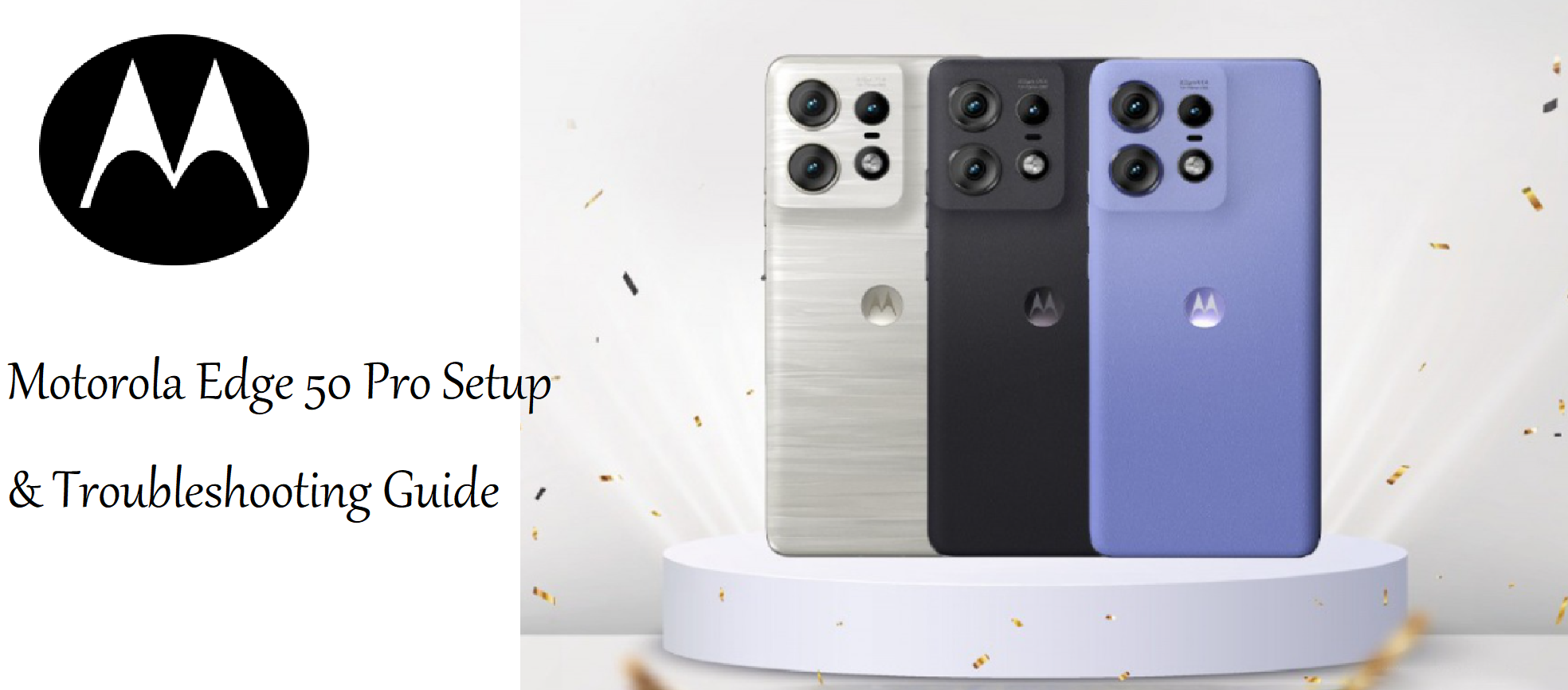
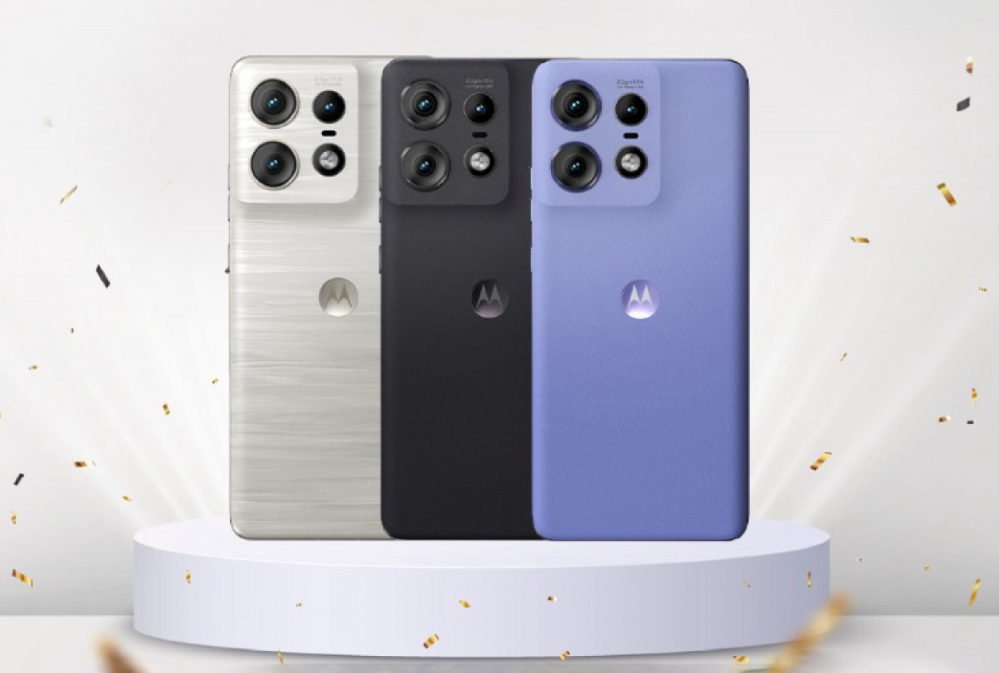
The Edge 50 Pro features a 6.7‑inch pOLED curved display with 144 Hz refresh rate and 2,000 nits peak brightness. It’s powered by the Snapdragon 7 Gen 3 processor, paired with up to 12 GB of RAM and 256 GB of storage. The rear camera system includes a 50 MP main sensor with OIS, a 13 MP ultra‑wide, and a 10 MP telephoto with 3x optical zoom. The battery is 4,500 mAh with 125W wired charging and 50W wireless. The phone has an IP68 water resistance rating and stereo speakers. It’s available in Luxe Lavender, Black Beauty, and Moonlight Pearl.
Full Specifications
| Specification | Detail |
|---|---|
| Model | XT2403‑1 (Motorola Edge 50 Pro) |
| Display | 6.7‑inch pOLED curved, 1220 x 2712 pixels, 144 Hz refresh, 2,000 nits peak |
| Processor | Qualcomm Snapdragon 7 Gen 3 (4 nm) |
| RAM | 8 GB / 12 GB LPDDR5 |
| Storage | 128 GB / 256 GB UFS 2.2 (non‑expandable) |
| Rear Camera | 50 MP main (f/1.4, OIS) + 13 MP ultra‑wide (f/2.2, 120°) + 10 MP telephoto (f/2.0, 3x optical) |
| Front Camera | 50 MP (f/1.9, autofocus) |
| Battery | 4,500 mAh, 125 W wired TurboPower, 50 W wireless, 10 W reverse wireless |
| Operating System | Android 14 (upgradeable, 3 years of OS updates) |
| Water Resistance | IP68 |
| Fingerprint Sensor | Under‑display (optical) |
| Face Unlock | Yes |
| Connectivity | 5G, Wi‑Fi 6E, Bluetooth 5.3, NFC, USB‑C 2.0 |
| Audio | Stereo speakers with Dolby Atmos, no headphone jack |
| Dimensions | 161.2 x 72.4 x 8.2 mm |
| Weight | 186 g |
| Colours | Luxe Lavender, Black Beauty, Moonlight Pearl |
| Included Accessories | Phone, USB‑C cable, SIM tool, quick start guide (charger sold separately in some regions) |
Key Features
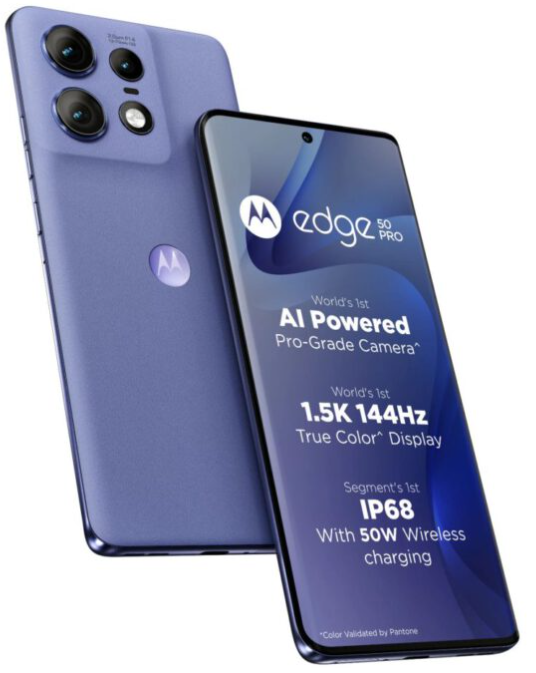
- 144 Hz Curved pOLED Display: Extremely smooth scrolling and gaming. The 2,000 nits peak brightness ensures readability outdoors. It supports HDR10+ and 10‑bit colour.
- 125 W TurboPower Charging: The fastest charging in its class. With the included (or optional) 125 W charger, the phone goes from 0 to 100% in about 19 minutes. Wireless charging at 50 W and reverse wireless at 10 W.
- 50 MP Triple Camera with OIS: The main sensor has a wide f/1.4 aperture for excellent low‑light shots. The 3x telephoto lens provides optical zoom for portraits and distant subjects.
- Near‑Stock Android 14: Clean interface with minimal bloatware. Motorola adds useful gestures like chop for flashlight and twist for camera.
- IP68 Water Resistance: Fully dust‑tight and can be submerged in fresh water up to 1.5 metres for 30 minutes.
- Stereo Speakers with Dolby Atmos: Loud, clear audio for media and gaming.
- Under‑Display Fingerprint Sensor: Fast and accurate optical sensor, plus face unlock.
How to Use
What’s in the Box
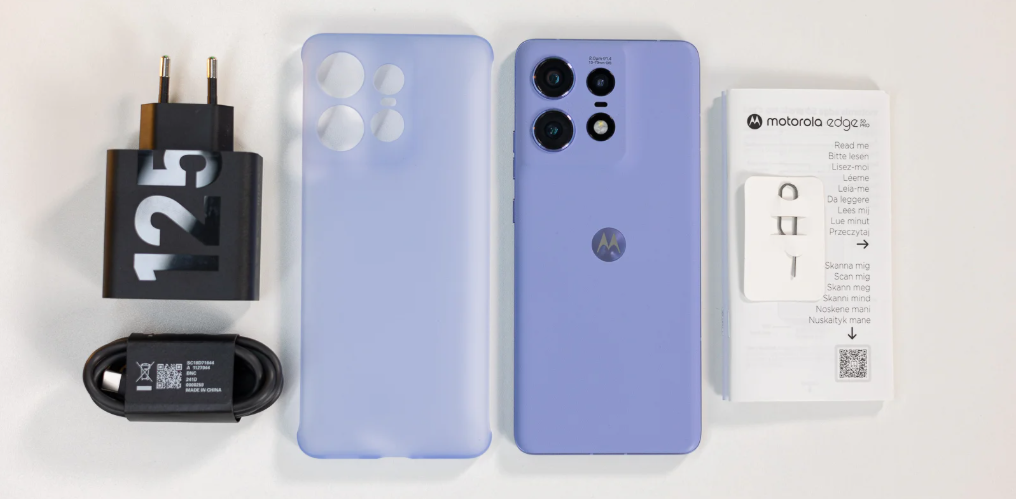
- Motorola Edge 50 Pro smartphone
- USB‑C to USB‑C cable
- SIM card ejector tool
- Quick Start Guide and warranty card
No charger is included in many regions. Use a 125 W USB‑C PD charger for maximum charging speed (sold separately).
First‑Time Setup
- Insert your nano‑SIM(s) using the ejector tool.
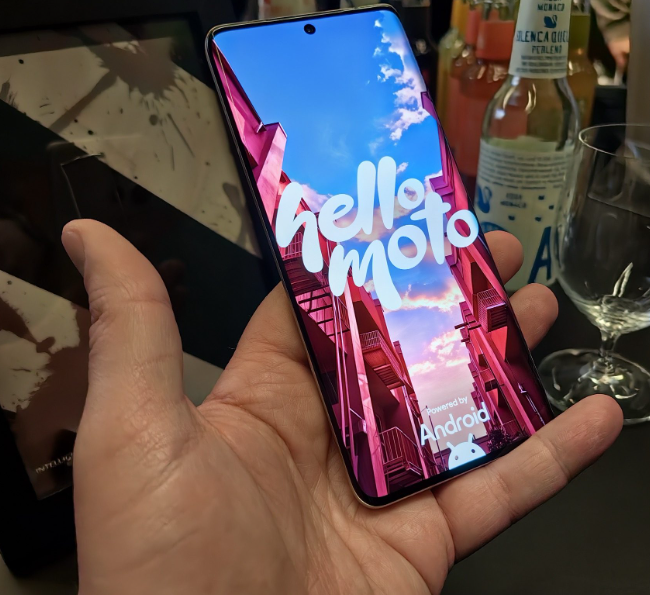
- Press and hold the Power button (right edge) until the Motorola logo appears.
- Select language, region, and connect to Wi‑Fi. Sign in with your Google account.
- Set up the under‑display fingerprint sensor: go to Settings > Security & privacy > Fingerprint.
- Once on the home screen, go to Settings > System > System update and install any pending updates.
Buttons & Ports
| Component | Location | Function |
|---|---|---|
| Power button | Right edge | Press to wake/sleep. Press and hold for Google Assistant. Double‑press for camera. |
| Volume rocker | Right edge (above power) | Adjust media and ringer volume. |
| USB‑C port | Bottom edge | Charging, data transfer, USB‑C headphones. No headphone jack. |
| SIM tray | Left edge (or bottom) | Holds one nano‑SIM. eSIM supported on some models. No microSD. |
| Fingerprint sensor | Under display (optical) | Register up to 5 fingerprints. |
Camera Tips
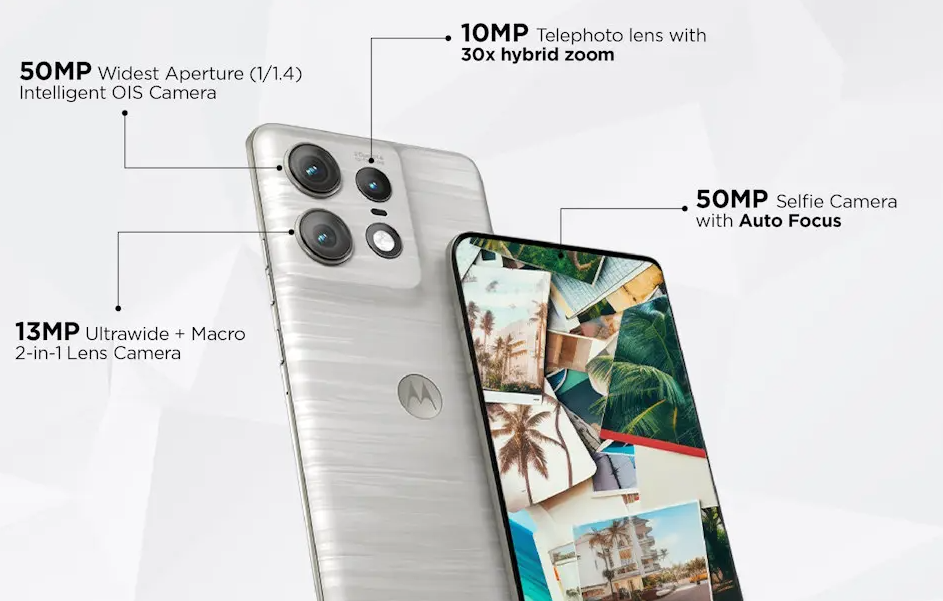
- 3x Optical Telephoto: Tap the 3x preset for lossless zoom. The 10 MP sensor with OIS keeps portraits sharp.
- Night Mode: The camera automatically enables night mode in low light. Keep the phone steady for 2–3 seconds.
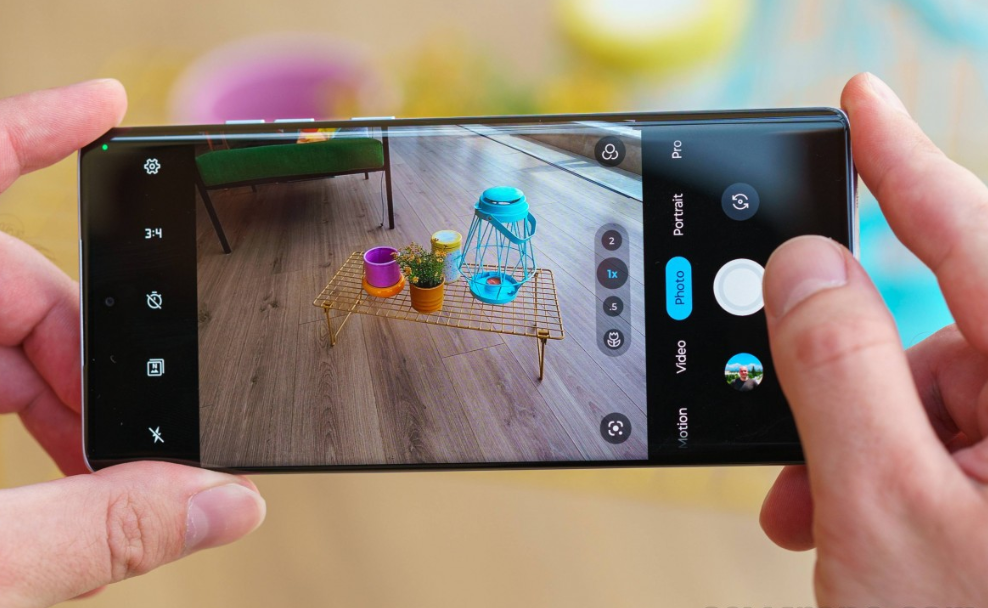
- Portrait Mode: Select Portrait from the mode bar. Adjust bokeh after taking the shot.
- Pro Mode: Swipe to More > Pro for manual control over ISO, shutter, white balance, and focus.
- Dual Capture: Record video from both front and rear cameras simultaneously (in More > Dual Capture).
- Quick Capture: Double‑press the Power button to launch camera, or twist your wrist twice while holding the phone.
Battery & Charging
- 125 W TurboPower: Use a compatible 125 W charger and USB‑C cable. The phone charges from 0 to 100% in about 19 minutes.
- Wireless charging: Up to 50 W with a Motorola wireless charger. Reverse wireless at 10 W for earbuds.
- Battery saver: Swipe down Quick Settings and tap Battery Saver. Set to activate at 20% or 30%.
- Battery health: The phone manages heat during fast charging. Avoid using the phone heavily while charging.
Troubleshooting & Common Problems
| Problem | Likely Cause | What to Try |
|---|---|---|
| Fingerprint sensor slow | Dirty screen, or dry finger | Clean the screen. Re‑register fingerprints. Register the same finger twice. |
| 125 W fast charging not working | Wrong charger or cable | Use the original 125 W charger and USB‑C cable. Check for debris in the port. |
| Camera app crashes | Software glitch, or low storage | Restart. Clear camera cache: Settings > Apps > Camera > Storage & cache > Clear cache. |
| Battery drains quickly | 144 Hz + high brightness, or rogue apps | Switch to 60 Hz or Auto. Reduce brightness. Check battery usage. |
| Wi‑Fi or Bluetooth not connecting | Router or interference | Restart router and phone. Forget network and reconnect. For Bluetooth, toggle off/on and re‑pair. |
| Phone overheats during gaming | Intensive load | Remove case, lower graphics, avoid direct sunlight. The phone will throttle to protect itself. |
| Face unlock not working | Low light, or front camera dirty | Clean front camera. Re‑scan face. Use fingerprint as backup. |
| No sound from speakers | Debris, or Bluetooth connected | Clean speaker grilles. Disconnect Bluetooth devices. |
Frequently Asked Questions
- Does the Edge 50 Pro have a headphone jack?
No, it uses USB‑C audio or Bluetooth. - Can I expand storage?
No, there is no microSD slot. - Is it waterproof?
Yes, IP68 rated for submersion in fresh water up to 1.5 metres for 30 minutes. - How do I take a screenshot?
Press the Power button and Volume Down together. For a long screenshot, tap the scrolling icon. - Does it support reverse wireless charging?
Yes, 10 W reverse wireless to charge earbuds or smartwatches. - How do I reset the phone?
Go to Settings > System > Reset > Erase all data (factory reset). You’ll need your lock screen PIN.
Tips
- Use Motorola gestures: Chop twice for flashlight, twist twice for camera. Enable in Settings > Gestures.
- Customize the side bar: The Edge display has an edge light for notifications. Configure in Settings > Display > Edge lights.
- Use Ready For: Connect to a monitor or PC for a desktop‑like experience (if supported).
- Keep the phone updated: Motorola provides security patches. Check Settings > System > System update monthly.
- Use the 50 MP front camera for selfies: The high resolution allows cropping without losing detail.
Safety Information
- Charging: Use Motorola‑certified or reputable USB‑C PD chargers. Avoid using the phone while fast charging in hot environments.
- Battery: Do not puncture or expose to fire. If the battery swells, stop using and contact Motorola.
- Water resistance: IP68 applies to fresh water only. Dry the USB‑C port before charging if wet.
- Screen: The curved display is durable but use a case to protect edges. A tempered glass protector is recommended.
- Children: Keep the SIM tool and small parts away from children.
Related Manuals
If this guide was helpful, here are a few more popular manuals from productsmanuals.com that you might find useful:
- Samsung Galaxy Watch 7 Manual – Health Sensors, Galaxy AI & Battery Tips
Master ECG, body composition, sleep apnea detection, and more. - Google Pixel 8a Manual – Tensor G3, AI Camera & 7 Years of Updates
Explore the best of Google’s AI features and clean Android experience. - iPhone XS MAX Manual – Settings, Camera & Hidden Features Guide
Explore Dynamic Island, Action button, and battery‑health tricks. - Samsung Galaxy S23 Ultra Manual – S Pen, 200 MP Camera & Galaxy AI
Get the most from the latest Ultra flagship with hidden S Pen features. - Fujitsu Lifebook U9310X Operating Manual – Fujitsu Support User Manual
Upgrade RAM and SSD, and fix common performance issues.
Browse all guides at productsmanuals.com .
Copyright 2026 productsmanuals.com All rights reserved. This Motorola Edge 50 Pro manual is original content and may not be copied, republished, or redistributed without written permission. Motorola, Edge, and the Motorola logo are trademarks of Motorola Trademark Holdings, LLC. This guide is unofficial and not affiliated with Motorola.

[…] Motorola Edge 50 Pro Manual – 125W Charging, Curved Display & Near-Stock Android Explore another top mid-range phone with clean software. […]