
Introduction
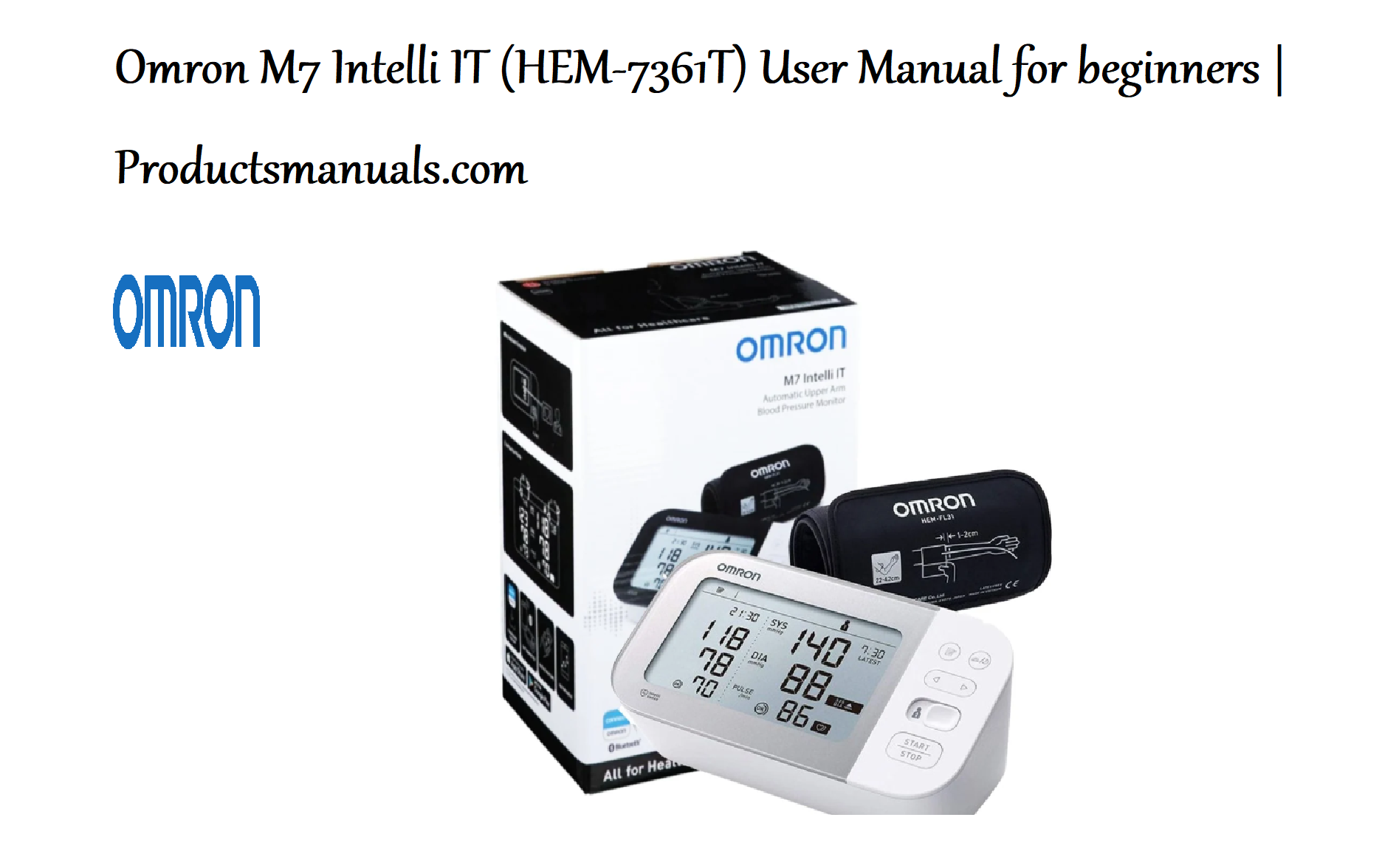
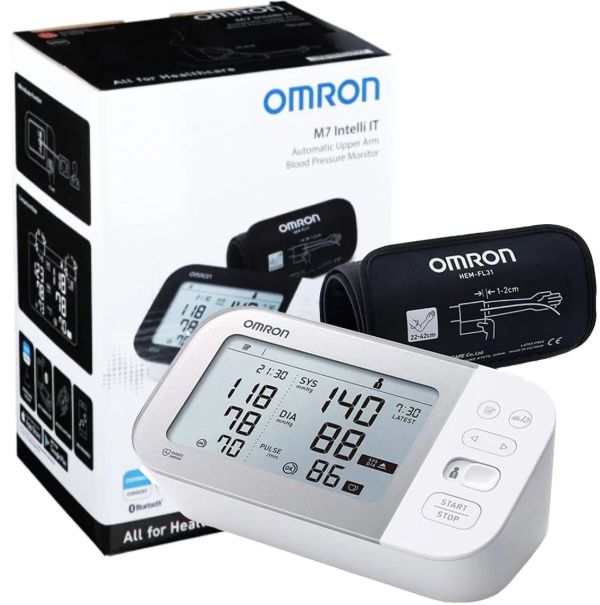
The Omron M7 Intelli IT is a clinically validated, upper-arm blood pressure monitor designed for accurate and comfortable home measurements. It features the Intelli Wrap Cuff, which ensures correct positioning around your arm, and can connect to the OMRON connect app via Bluetooth for easy tracking. This manual covers everything from setting up your device and taking a measurement to using the app and resolving common issues.
Product Overview
The Omron M7 Intelli IT is a compact, fully automatic blood pressure monitor that uses the oscillometric method for measurement. It is designed for use by adults with an arm circumference of 22–42 cm. The device stores up to 100 measurements for one user (or 50 for two users) and features a large, easy-to-read LCD display. It can detect irregular heartbeats and, on some models (like the M7 Intelli IT AFib), also screen for atrial fibrillation.
Full Specifications
| Specification | Detail |
|---|---|
| Model | M7 Intelli IT (HEM-7361T) / M7 Intelli IT AFib (HEM-7361T-EBK) |
| Measurement Method | Oscillometric |
| Cuff Type | Intelli Wrap Cuff (pre-formed, 22–42 cm) |
| Memory | 2 users x 100 measurements (or 1 user x 100 measurements) |
| Power Source | 4 x AA batteries or AC adapter (sold separately) |
| Display | Large LCD with backlight (some models) |
| Connectivity | Bluetooth for OMRON connect app |
| Irregular Heartbeat Detection | Yes |
| AFib Detection | Yes (on M7 Intelli IT AFib model) |
| Clinically Validated | Yes |
Key Features
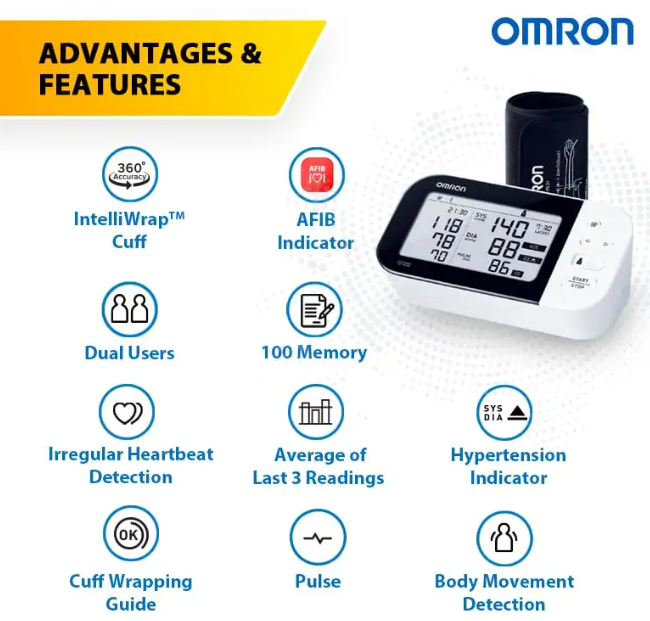
- Intelli Wrap Cuff: The pre-formed cuff makes it easy to apply correctly, ensuring consistent and accurate readings by preventing incorrect placement.
- OMRON connect App: Syncs your measurements via Bluetooth to your smartphone, allowing you to track trends, share data with your doctor, and store unlimited readings.
- Irregular Heartbeat Detection: Alerts you if an irregular rhythm is detected during a measurement.
- AFib Screening (on specific models): The M7 Intelli IT AFib model can detect possible atrial fibrillation, a common cause of stroke.
- Body Movement Detection: Alerts you if you move during the measurement, which can affect accuracy.
- Cuff Wrapping Guide: A light indicates if the cuff is wrapped too loosely or too tightly.
How to Use
What’s in the Box
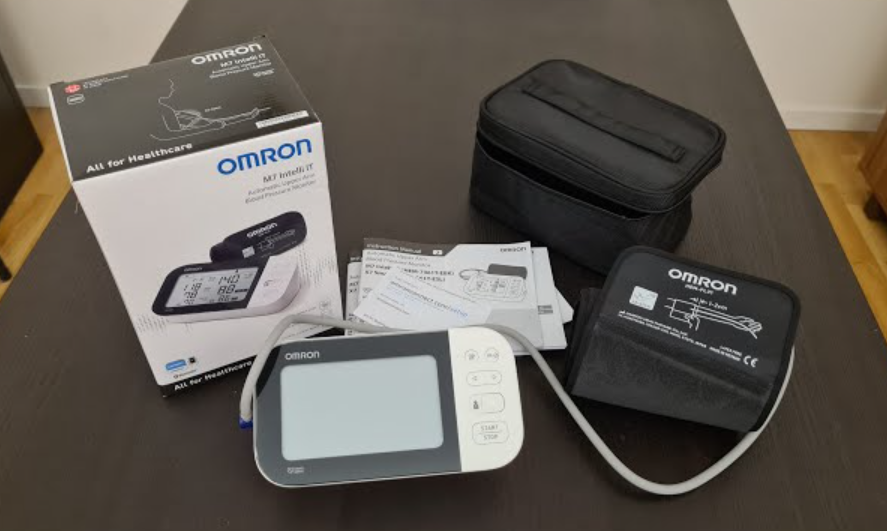
- Omron M7 Intelli IT Blood Pressure Monitor
- Intelli Wrap Cuff (22–42 cm)
- 4 x AA Alkaline Batteries
- Storage Case
- Instruction Manual
Setting Up the Device
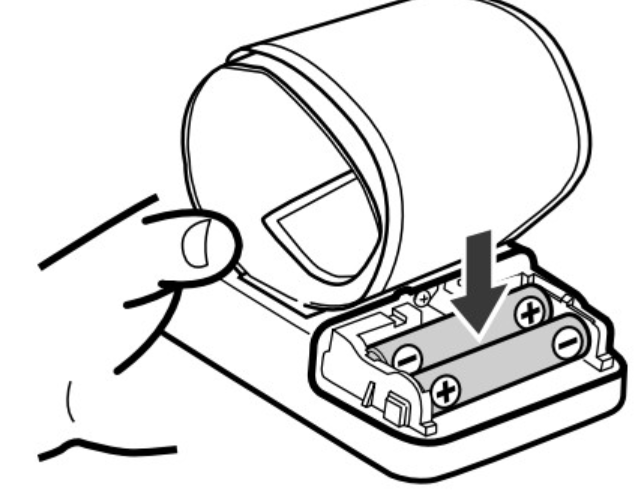
- Insert Batteries: Open the battery compartment on the bottom of the device and insert 4 AA batteries, matching the polarity (+/-) markings.
- Set Date and Time: When you first turn on the device, the year will flash. Use the + and – buttons to adjust the date and time, then press START/STOP to confirm.
Taking a Measurement
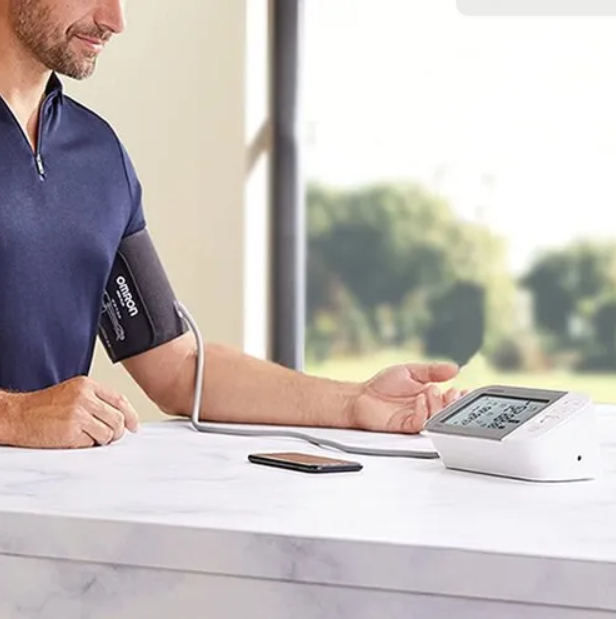
- Sit Correctly: Sit on a chair with your feet flat on the floor and your back straight. Rest your arm on a table so that the cuff is at the same height as your heart.
- Apply the Cuff: Place the cuff on your bare upper left arm. The air tube should run down the inside of your arm. The bottom edge of the cuff should be 1–2 cm above your elbow. Wrap the cuff snugly.
- Start Measurement: Press the START/STOP button. The cuff will inflate automatically. Remain still and do not talk during the measurement.
- Read Results: The monitor will display your systolic, diastolic, and pulse readings. It will also show the date and time.
Using the OMRON connect App
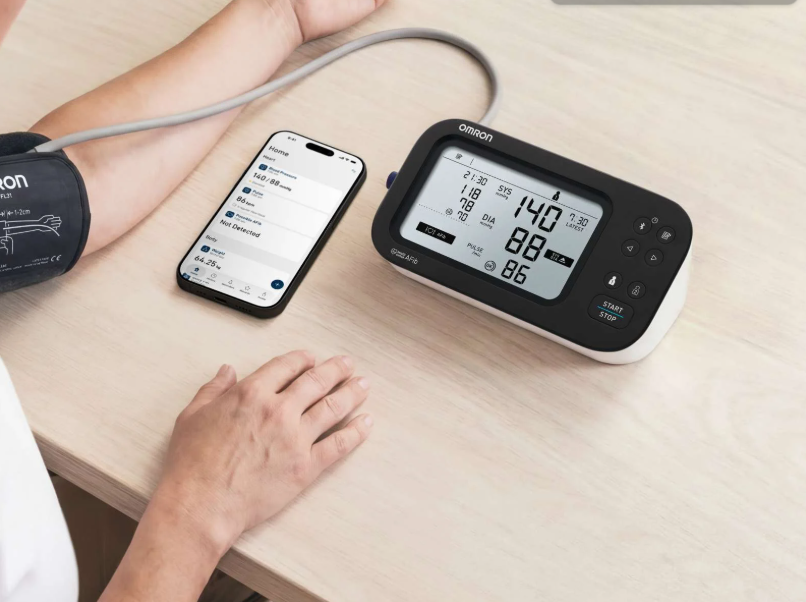
- Download the App: Download the free OMRON connect app from the App Store or Google Play Store.
- Pair the Device: Enable Bluetooth on your smartphone and open the app. Follow the in-app instructions to pair your monitor.
- Sync Measurements: After each measurement, open the app to sync your data. You can view graphs and trends over time.
Troubleshooting & Common Problems
| Problem | Likely Cause | What to Try |
|---|---|---|
| Device won’t turn on | Batteries dead or incorrectly inserted | Replace all 4 batteries with new ones. Check that they are inserted correctly. |
| Display shows an error code (e.g., E1, E2, E5) | Cuff not applied correctly, or movement during measurement | E1: Cuff not connected properly. E2: Movement detected during measurement. E5: Insufficient inflation. Reapply the cuff and remain still. |
| Measurement results are inconsistent | Incorrect posture, talking, or cuff position | Ensure correct sitting posture, that the cuff is at heart level, and that you do not talk during the reading. |
| “Err” appears on the screen | Irregular pulse detected, or cuff wrapped too tight/loose | Relax for 5 minutes and try again. Reapply the cuff, ensuring it is snug but not too tight. |
| App cannot connect to the monitor | Bluetooth off, or app not up to date | Ensure Bluetooth is enabled on your phone. Update the OMRON connect app. Restart the monitor. |
Frequently Asked Questions
- What is the Intelli Wrap Cuff?
It is a pre-formed, hard cuff that is easier to apply correctly compared to a traditional soft cuff, helping to ensure accurate measurements. - Can I use a different cuff with this monitor?
No, you should only use the compatible Intelli Wrap Cuff specified for your model. Using a different cuff can result in inaccurate readings. - How often should I measure my blood pressure?
It is best to measure at the same times each day, such as in the morning before breakfast and in the evening before dinner. Consult your doctor for specific advice. - What does the irregular heartbeat symbol mean?
The irregular heartbeat symbol indicates that an irregular rhythm was detected during the measurement. If this symbol appears frequently, consult your doctor. - Can I share my blood pressure data with my doctor?
Yes, you can easily share your measurement data via the OMRON connect app or by showing the readings on the monitor’s screen.
Safety Information
- Consult your doctor: Self-measurement does not replace a medical diagnosis. Always consult your doctor if you have concerns about your blood pressure.
- Correct posture: Incorrect posture or cuff placement can lead to inaccurate results.
- Do not self-diagnose: Do not change your medication based on home readings without consulting your doctor.
- Contraindications: Do not use the monitor on an arm with a shunt, arteriovenous fistula, or on a limb with a lymphedema.
Related Manuals
If this guide was helpful, here are a few more popular manuals from productsmanuals.com:
- Withings BPM Connect Manual – Setup, App Sync & Troubleshooting
- Beurer BM 64 Manual – AFib Detection, Memory & Setup Guide
- Braun ExactFit 5 Manual – Upper Arm Monitor Setup & Features
- A&D UA-855 Manual – Digital Blood Pressure Monitor Guide
- Microlife BP B3 BT Manual – Bluetooth Blood Pressure Monitor Setup
Browse all guides at productsmanuals.com .
Copyright 2026 productsmanuals.com. All rights reserved. This Omron M7 Intelli IT manual is original content and may not be copied, republished, or redistributed without written permission. Omron, Intelli Wrap, and the Omron logo are trademarks of Omron Healthcare. This guide is unofficial and not affiliated with Omron Healthcare.
