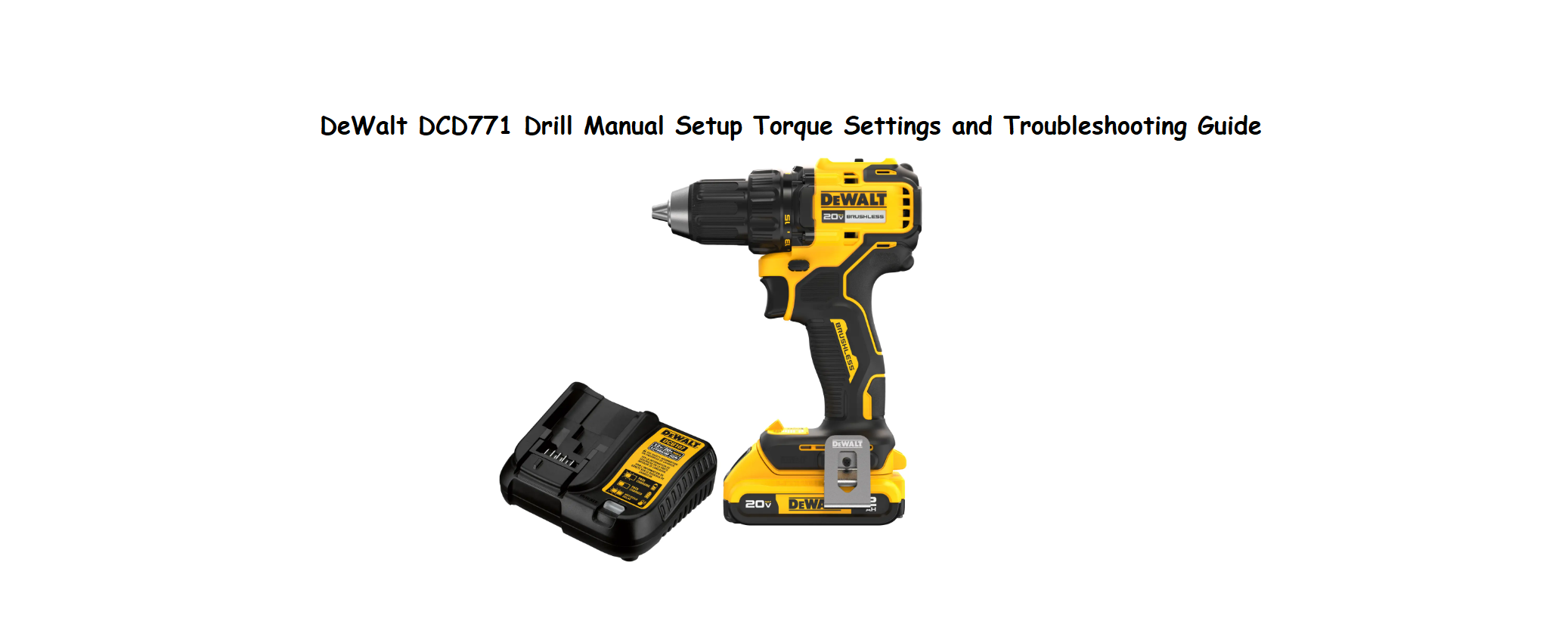

DeWalt DCD771 Drill Manual Setup Torque Settings and Troubleshooting Guide
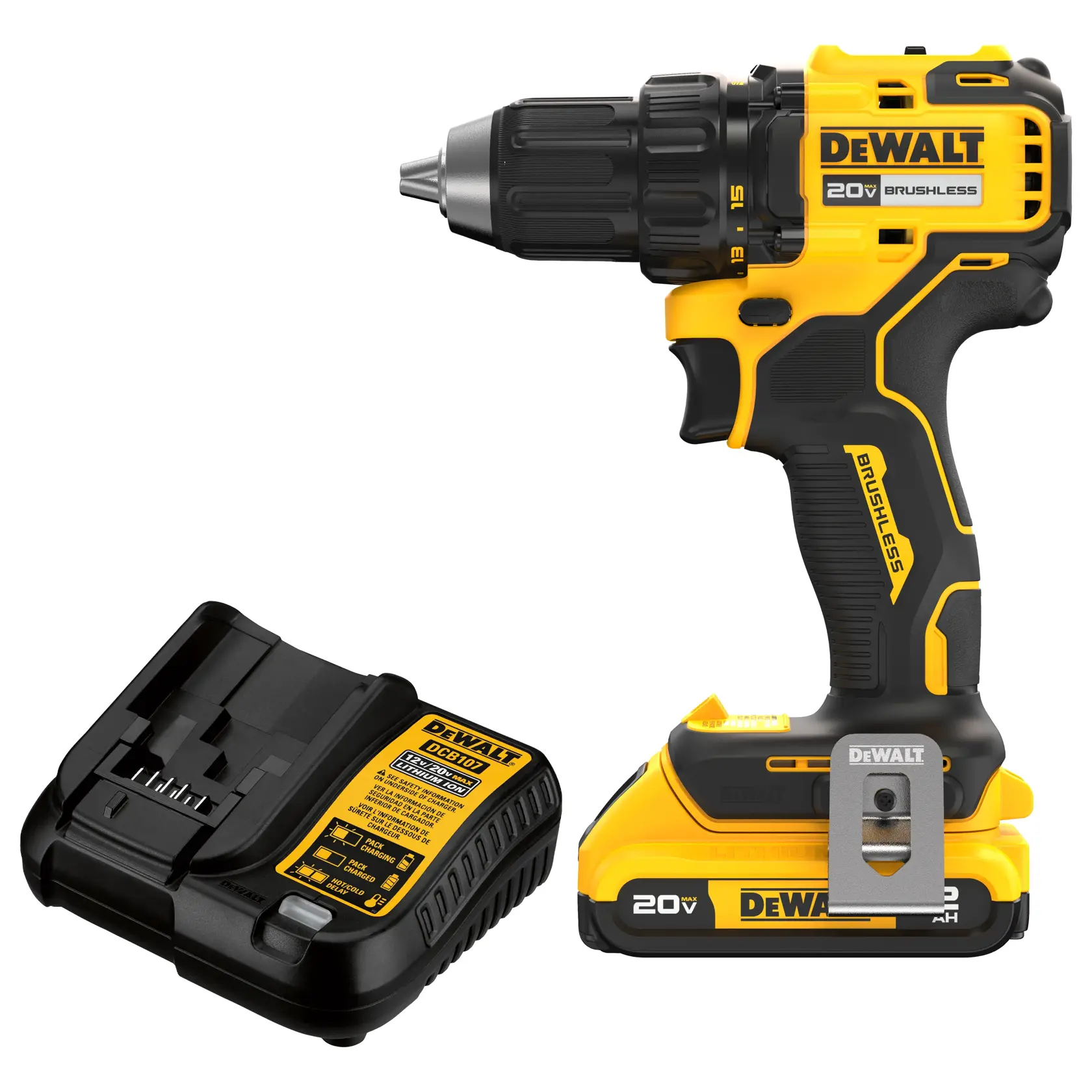
Why This Companion Is Useful?
DeWalt ships the DCD771 with a drill body, a battery, a charger, and a small safety booklet. There’s no printed manual that clearly explains what the torque settings mean, how to adjust the clutch, how to properly charge the battery for maximum life, or what to do when the chuck won’t hold a bit. Every day, people search for a “DeWalt DCD771 manual” because they want clear, practical help. This companion gives you exactly that.
What Comes in the Box
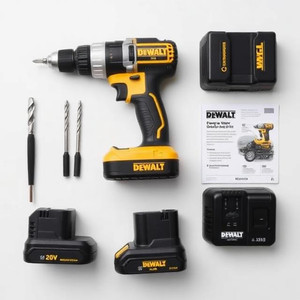
Your kit typically includes:
- The DCD771 drill/driver (compact, 1/2‑inch keyless chuck)
- One 20V Max lithium‑ion battery (1.3 Ah or 2.0 Ah, depending on the kit)
- A compact charger (DCB107 or similar)
- A double‑ended screwdriver bit
- A belt hook (can be mounted on either side)
- A safety instruction booklet
No carrying case is included with the base kit. The drill has a two‑speed gearbox (0–450 RPM and 0–1500 RPM) and a 15‑position clutch.
Getting to Know Your Drill
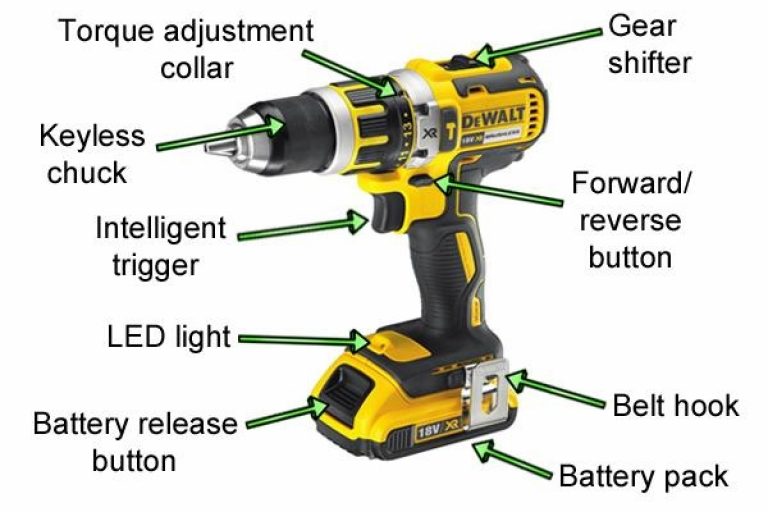
- Keyless chuck: Rotate the black sleeve to open or close the jaws. Grip the sleeve firmly while running the drill in reverse to open, forward to close.
- Torque adjustment collar: The ring behind the chuck with numbers 1–15 and a drill symbol. Turn to the desired number for driving screws (the clutch will slip when the preset torque is reached). Turn to the drill symbol for drilling holes (no slip, maximum power).
- Gear switch (top): Slide to 1 for low speed/high torque (driving large screws, mixing). Slide to 2 for high speed/low torque (drilling small holes, fast driving).
- Trigger: Variable speed. Press lightly for slow rotation, fully for maximum RPM.
- Forward/reverse button: Push from left to right to change direction. In the center position, the trigger is locked (prevents accidental starts).
- Battery release: Press both buttons on the sides of the battery and slide it forward to remove.
- Belt hook: Can be moved to either side with a screwdriver. Handy for hanging the drill on a belt or rafter.
Charging the Battery Correctly
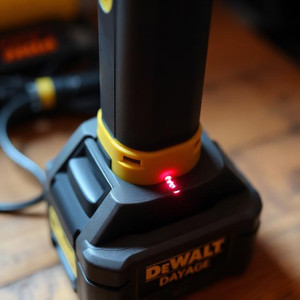
The included charger is typically the DCB107, a basic one‑port charger.
- Insert the battery into the charger by sliding it down until it clicks. The LED indicator lights up.
- Solid red: Charging.
- Solid green: Fully charged.
- Flashing red/green: Battery temperature out of range (too hot or too cold). Leave the battery to adjust to room temperature.
- Flashing red only: Battery fault – try cleaning the contacts or replacing.
- A fully depleted 1.3 Ah battery takes about 40 minutes to charge. A 2.0 Ah battery takes about 60 minutes.
- For maximum battery life, remove the battery from the charger once the LED turns solid green. Do not leave it on the charger for weeks. Store batteries at about 40–60% charge in a cool, dry place.
Changing Bits and Using the Torque Settings
To insert a bit:
-
Unplug the battery or lock the trigger (center the forward/reverse button).
-
Rotate the chuck sleeve counter‑clockwise to open the jaws.
-
Insert the bit shank fully into the chuck, then rotate the sleeve clockwise to tighten. Give a final firm twist by hand while holding the chuck in place.
To remove a bit:
Rotate the sleeve counter‑clockwise, or gently press the trigger while holding the chuck (low speed) and the jaws will release. Avoid using pliers on the sleeve.
Understanding the torque settings:
- Numbers 1–5: Very light torque for small screws (e.g., hinge screws, electrical plates).
- Numbers 6–10: Medium torque for general household screws (e.g., furniture assembly, cabinet handles).
- Numbers 11–15: High torque for larger screws (e.g., deck screws, lag bolts).
- Drill symbol: Maximum torque, no clutch slip. For drilling into wood, metal, plastic, and masonry (with masonry bits).
Start with a low setting and increase if the screw isn’t driven flush. Using the right torque prevents stripping screw heads and over‑driving.
Cleaning and Maintaining the Chuck
Dust and debris can cause the chuck to slip. Clean it every few months.
- Remove the battery.
- Open the chuck jaws fully. Use compressed air or a soft brush to blow out dust inside the jaws.
- Apply a very light drop of machine oil around the collar and rotate it to distribute. Wipe away excess.
- If the chuck ever completely binds, it can be replaced. The DCD771’s chuck is held by a reverse‑thread screw inside the chuck. Replacement requires a 1/4‑inch hex key and a hammer to loosen it. Full instructions are in the official DeWalt service manual.
Troubleshooting Common Issues
| Problem | Likely Cause | What to Try |
|---|---|---|
| Drill won’t turn on | Battery not seated or flat | Remove and re‑insert the battery until it clicks. Check charge. Try a different battery if available. |
| Chuck spins but bit doesn’t grip | Chuck jaws clogged or worn | Clean jaws with compressed air. If jaws are visibly worn, replace the chuck. |
| Battery charges but drill runs slow | Trigger or gear fault | Set gear switch to 2 for high speed. Press trigger fully. If still slow, the switch or motor may need service. |
| LED light on drill blinks | Low battery or overload | Charge the battery. If blinking persists, the tool may have overheated; let it cool. |
| Charger shows red/green flashing | Battery too hot or cold | Wait until the battery reaches room temperature before charging. |
| Chuck is stuck and won’t turn by hand | Built‑up debris or rust | Apply penetrating oil around the collar and work back and forth gently. Remove the battery first. |
How to Reset
How to Reset the Drill (Battery and Electronics)
The DCD771 has no physical reset button. If the drill suddenly stops working, first remove the battery and re‑insert it. This reboots the internal electronics. If the tool stopped due to overheat or overload, let it cool for 15 minutes and try again.
For a deeper reset, remove the battery and press and hold the trigger for 20 seconds to drain any residual charge in the controller. Then re‑insert a fully charged battery.
Quick Reference Card
| Task | How |
|---|---|
| Change direction | Push forward/reverse button fully left or right |
| Lock trigger (safe transport) | Center the forward/reverse button |
| Adjust torque | Turn collar to 1–15 or drill symbol |
| Switch gear | Slide top switch to 1 or 2 |
| Insert bit | Open chuck by hand, insert bit, tighten firmly |
| Check battery level | Press the small button on the battery to see LED indicators |
| Clean chuck | Open jaws fully, blow with compressed air |
Download the DeWalt DCD771 Cheat Sheet
A one‑page PDF with torque settings, charging tips, maintenance steps, and troubleshooting shortcuts. Print it and keep it in your workshop.
“DeWalt DCD771 Quick Guide (PDF)”
Official DeWalt Support and Manuals
For warranty, spare parts, and the full service manual, visit: https://www.dewalt.com/support
Frequently Asked Questions
- Can I use a larger battery on the DCD771?
Yes, any 20V Max DeWalt battery will work, including the 5.0 Ah and 6.0 Ah packs. The larger batteries provide longer runtime and slightly more power but are heavier. They will fit and charge on the included charger. - What is the maximum size drill bit I can use?
The 1/2‑inch chuck accepts bits up to 1/2‑inch shank. For spade bits, hole saws, and large twist bits, use the low‑speed setting (gear 1) for best results. - Why does the drill smell like burning?
A brief burning smell during the first few uses is normal as the motor brushes bed in. If the smell persists or is accompanied by smoke, stop using the drill and have it serviced. Overloading the drill (e.g., drilling into concrete without a hammer function) can overheat the motor. - Is the DCD771 a hammer drill?
No, this model is a drill/driver only. It does not have a hammer function for masonry. For concrete or brick, use a carbide‑tipped masonry bit in a DeWalt hammer drill model. - How do I know when the battery is dying?
The drill will slow down noticeably, or the LED light may dim or blink. Press the battery’s indicator button to check remaining charge. Replace with a fresh battery and recharge the depleted one.
Before You Pack Up
A few simple habits will keep your DCD771 running for years: remove the battery before changing bits, store the drill in a dry place, and don’t push it beyond its limits. When the chuck sleeve becomes hard to turn, a quick clean and oil will usually bring it back. If the drill ever fails under warranty, DeWalt has a large network of service centers.
Copyright Warning!
Copyright 2026 productsmanuals.com All rights reserved. This DeWalt DCD771 manual is original content and may not be copied, republished, or redistributed without written permission. DeWalt and 20V Max are trademarks of Stanley Black & Decker, Inc. This guide is unofficial and not affiliated with DeWalt.
